
Your Office. Your Rules. How to Build a Productive Remote Setup in Your Dallas Stay

Working remotely from Dallas sounds ideal: finish your morning video calls, explore a new neighborhood at lunch, and close your laptop with enough time to enjoy the city.
But productive remote work depends on more than a laptop and a strong cup of coffee. Your surroundings influence how well you focus, how comfortable you feel, and how much energy you have at the end of the day. A cramped hotel desk, unreliable Wi-Fi, poor lighting, and constant noise can turn a flexible workday into a frustrating one.
A furnished apartment gives you more control. With the right setup, your Dallas stay can function as a comfortable home base and a productive office: without sacrificing the space and amenities that make temporary living enjoyable.
Here’s how to create a remote-work setup that helps you do your best work while staying in Dallas.
1. Choose a Dedicated Work Zone
The first step is to create a clear separation between work and relaxation.
When you work from a sofa or bed, it can be difficult for your brain to switch into “work mode.” You may also find yourself checking email during dinner or carrying unfinished tasks into the evening. A dedicated workspace creates a physical boundary, even if it is only a desk in the corner of a furnished apartment.
Look for a space with:
A proper desk or table
A comfortable chair
Nearby electrical outlets
Enough room for your laptop, notebook, and other essentials
Natural light without excessive screen glare
Distance from the television and high-traffic areas
If your apartment has an open floor plan, use zoning to your advantage. Keep the desk in one area and reserve the sofa or dining space for meals and downtime. Even small visual cues: such as closing your laptop at the end of the day or placing work materials in a drawer: can make the transition from professional time to personal time easier.
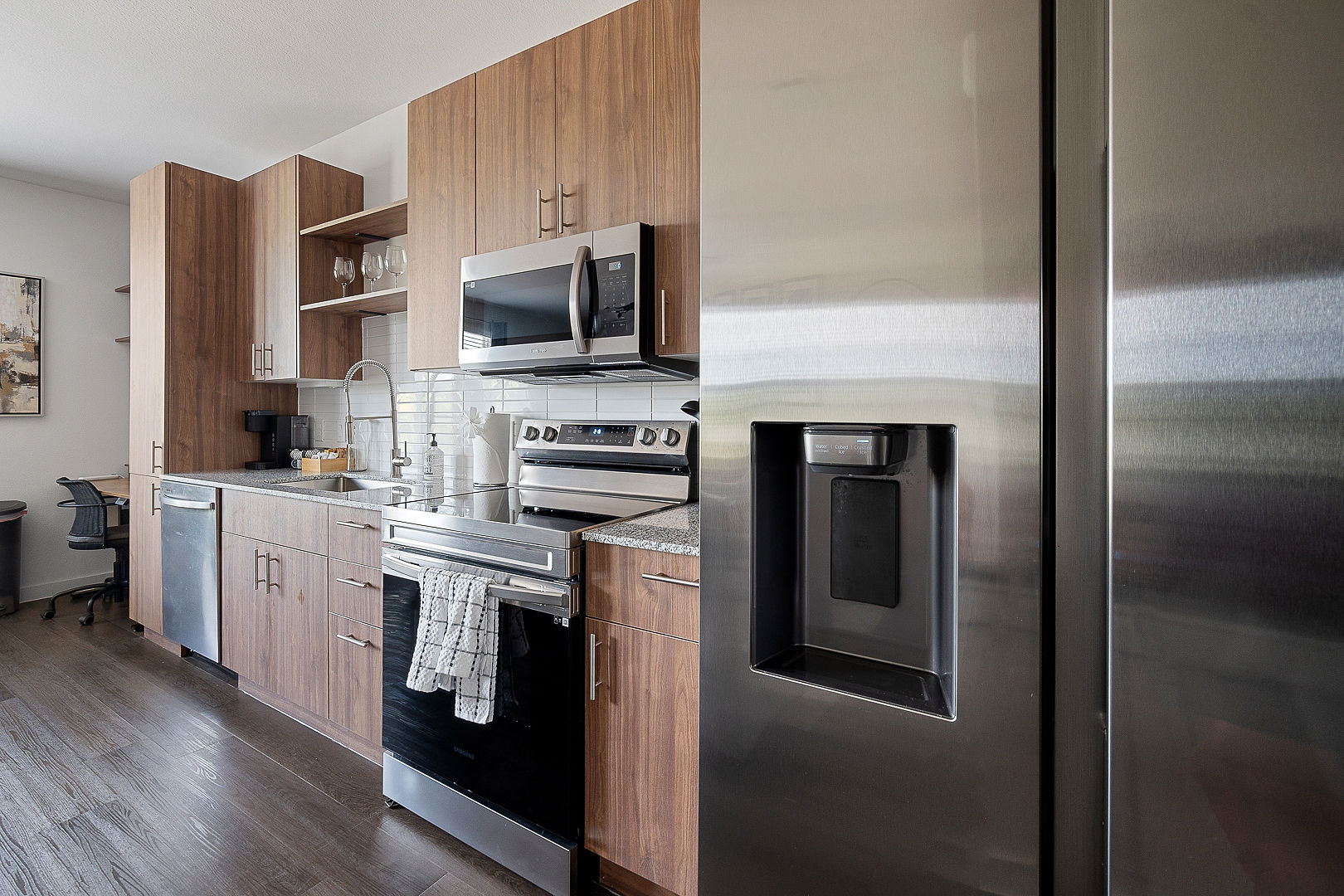
PBD Living apartments are furnished with flexible living in mind, including thoughtfully arranged spaces that can support both focused work and comfortable downtime.
2. Set Up Your Desk for Comfort
A productive workspace should not leave you with a sore neck, tense shoulders, or tired eyes by midafternoon.
Start with your chair. Your feet should rest comfortably on the floor, and your knees should sit roughly level with your hips. If the chair is too high, use a small footrest or a sturdy nearby surface for support. Sit with your shoulders relaxed and your elbows close to your body.
Next, position your screen:
Keep your monitor or laptop about an arm’s length away.
Place the top of the screen near eye level.
Raise your laptop on a stand or a stack of stable books if necessary.
Use an external keyboard and mouse if you elevate the laptop.
Keep frequently used items within easy reach.
Your desk does not need to look like a permanent corporate office. The goal is to reduce unnecessary strain so you can stay focused longer. If you are working from Dallas for several weeks, a compact laptop stand, wireless keyboard, and ergonomic mouse can be worthwhile additions that travel easily.
Also, keep your desk simple. A clear surface reduces visual distractions and makes it easier to begin work each morning.
3. Confirm Your Internet Before the First Important Call
Reliable high-speed internet is one of the most important features of a remote-work stay. A beautiful apartment cannot make up for dropped video calls, slow cloud applications, or trouble accessing company systems.
Before booking, ask specific questions about the internet connection:
Is high-speed Wi-Fi included?
Is the network private to the apartment or shared across the building?
Is the router located inside the unit?
Are there Ethernet options for especially important calls?
What support is available if the connection stops working?
Is there a backup option for urgent meetings?
Once you arrive, test your setup before your first major presentation or client call. Open your usual work platforms, join a test video meeting, upload a file, and check the connection from your intended workspace.
It is also smart to keep a backup plan. Your phone’s hotspot may be enough for an emergency email or short call, but check your mobile data limits before relying on it for a full workday.
PBD Living’s fully furnished Dallas apartments are designed around convenient, connected stays, with online support available when you need assistance during your visit.
4. Make Lighting Work for You
Good lighting helps you stay alert and makes video calls look more professional.
Natural light is usually the best starting point. Place your desk near a window if possible, but avoid sitting with a bright window directly behind you during meetings. That can make your face appear dark on camera. Instead, position the window in front of you or slightly to one side.
If sunlight creates glare, adjust the angle of your screen or use blinds and curtains. Dallas light can be especially strong at certain times of day, so a flexible setup is helpful.
For evening work, add a soft desk lamp or floor lamp. Aim for indirect, even lighting rather than a harsh overhead light shining directly onto your screen. Your display brightness should match the room; a very bright screen in a dark room can contribute to eye fatigue.
Before a video call, check your camera preview. Look for:
Light on your face rather than behind you
A clean, uncluttered background
The camera positioned close to eye level
Minimal glare from windows or lamps
5. Create a Quiet Zone for Deep Work
Noise is one of the fastest ways to break concentration. In a temporary apartment, you may be adjusting to a new building, nearby traffic, building amenities, or a different daily rhythm.
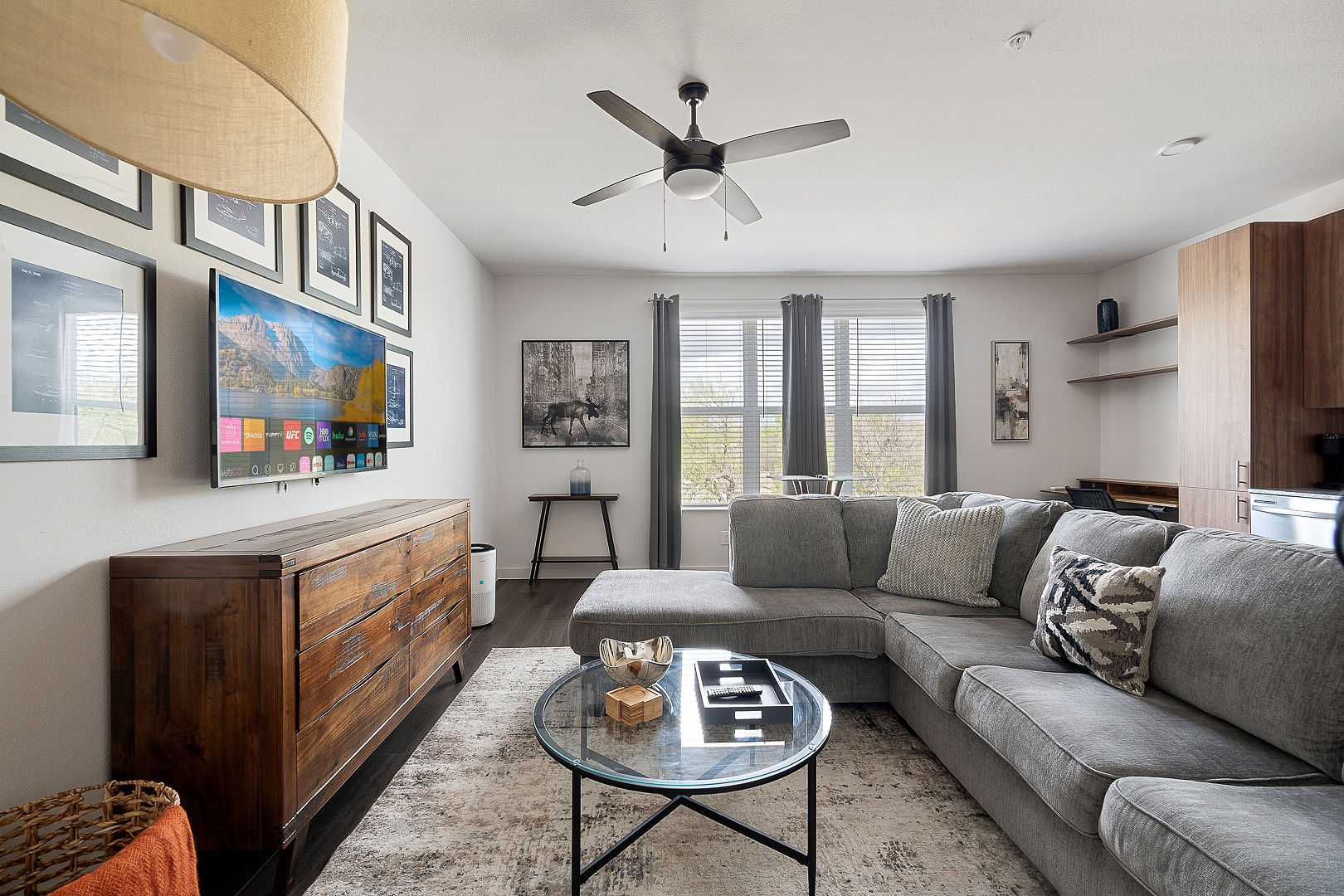
Choose the quietest practical location for your desk. If possible, position it away from the television, kitchen appliances, elevators, and shared walls. Close doors during meetings and establish quiet hours with anyone traveling with you.
For noise you cannot control, try:
Noise-canceling headphones
Soft instrumental music
White noise or nature sounds
A “Do Not Disturb” status in communication apps
Calendar blocks for uninterrupted work
You do not need complete silence for every task. Reserve your quietest periods for writing, analysis, presentations, and other work that requires deep concentration. Use more flexible times for email, administrative tasks, or routine meetings.
A furnished apartment can make this easier than a hotel room because you have room to change locations throughout the day. You might take calls at the desk, read documents at the dining table, and use the living area for a short break without turning your entire stay into one cramped workstation.
6. Use Your Apartment’s Technology to Support the Workday
Remote work often involves more than video calls. You may need to present from a larger screen, access streaming platforms after work, or connect several devices at once.
Before settling in, identify:
Which television supports streaming
Where the HDMI ports are located
How to connect a second display
Where outlets and charging points are located
Whether your devices can connect easily to the Wi-Fi
Where you can safely store chargers and accessories
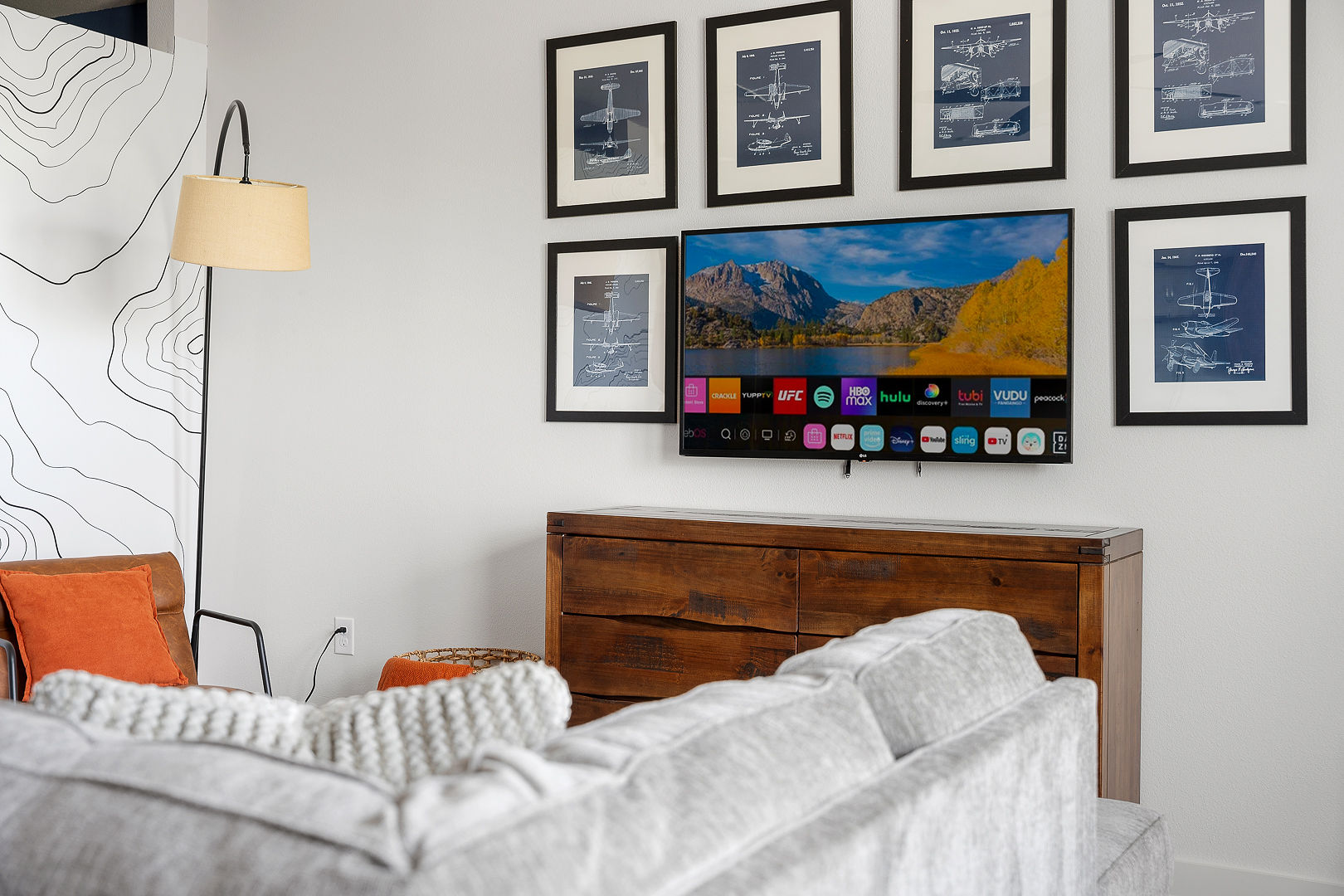
PBD Living apartments include streaming services on each TV, making it easy to transition from a workday to downtime. That distinction matters. When your office is also your temporary home, having a comfortable way to relax can help you fully disconnect instead of continuing to work simply because your laptop is nearby.
7. Treat Environmental Quality as Part of Your Work Setup
Focus is not only about furniture and technology. Your physical environment matters, too.
A stuffy room, uncomfortable temperature, or poor ventilation can make it harder to stay energized. When practical, refresh the air, keep your workspace at a comfortable temperature, and take short breaks away from the screen. If your apartment has environmental sensors, use the information as a helpful guide to understand conditions such as air or water quality.
Wellness features are part of what makes a temporary home feel genuinely supportive. PBD Living equips its spaces with environmental sensors designed to provide insight into indoor air and water quality. The company also uses sustainable cleaning products and considers health and comfort in the design of each stay.
That does not replace basic habits such as staying hydrated, taking breaks, and moving throughout the day. It does give you more awareness of the environment where you spend your working hours.
8. Build a Start-and-Stop Routine
The best workspace can still become stressful without boundaries.
Create a short start-of-day routine that tells you it is time to work. Make coffee, review your priorities, open your calendar, and begin at a consistent time. At the end of the day, close your work applications, put away your equipment, and leave the workspace.
A simple routine might look like this:
Review your three most important tasks.
Schedule focused work blocks around meetings.
Silence nonessential notifications.
Take a short movement break every hour.
Set a clear end-of-day time.
Pack away work materials when you finish.
Working from a Dallas apartment also gives you more opportunities to use your breaks well. Step outside, walk to a nearby coffee shop, prepare lunch in a full kitchen, or take a short walk around the neighborhood. Those pauses can restore attention more effectively than scrolling through another browser tab.
For more ideas on combining productivity and local experiences, explore PBD Living’s guide to working and playing in Dallas.
Build a Better Workday in Dallas
A remote-work setup does not need to be expensive or elaborate. It needs to be intentional.
Choose a dedicated work zone. Test the internet early. Adjust your chair and screen. Use natural light, reduce noise, and keep your technology organized. Pay attention to air quality and comfort, then create routines that protect your personal time once the workday ends.
That is the advantage of staying in a furnished apartment instead of trying to turn a hotel room into a permanent office. You have space to work, space to rest, and the flexibility to shape your environment around the way you actually live.
With PBD Living, remote professionals can settle into a fully furnished Dallas apartment with essential amenities, connected support, wellness-focused features, and flexible-stay convenience. Your schedule may change from week to week: but your home base can still help you stay focused, comfortable, and ready for what comes next.
Comments